AMDP
AMDP Cummins HD EZLYNK Tuning
AMDP Cummins HD EZLYNK Tuning
Couldn't load pickup availability
AMDP Cummins HD Custom Tuning on EZLYNK
You are required to either hook directly to the ECM with a bench tool or use the 9 pin to OBD adapter
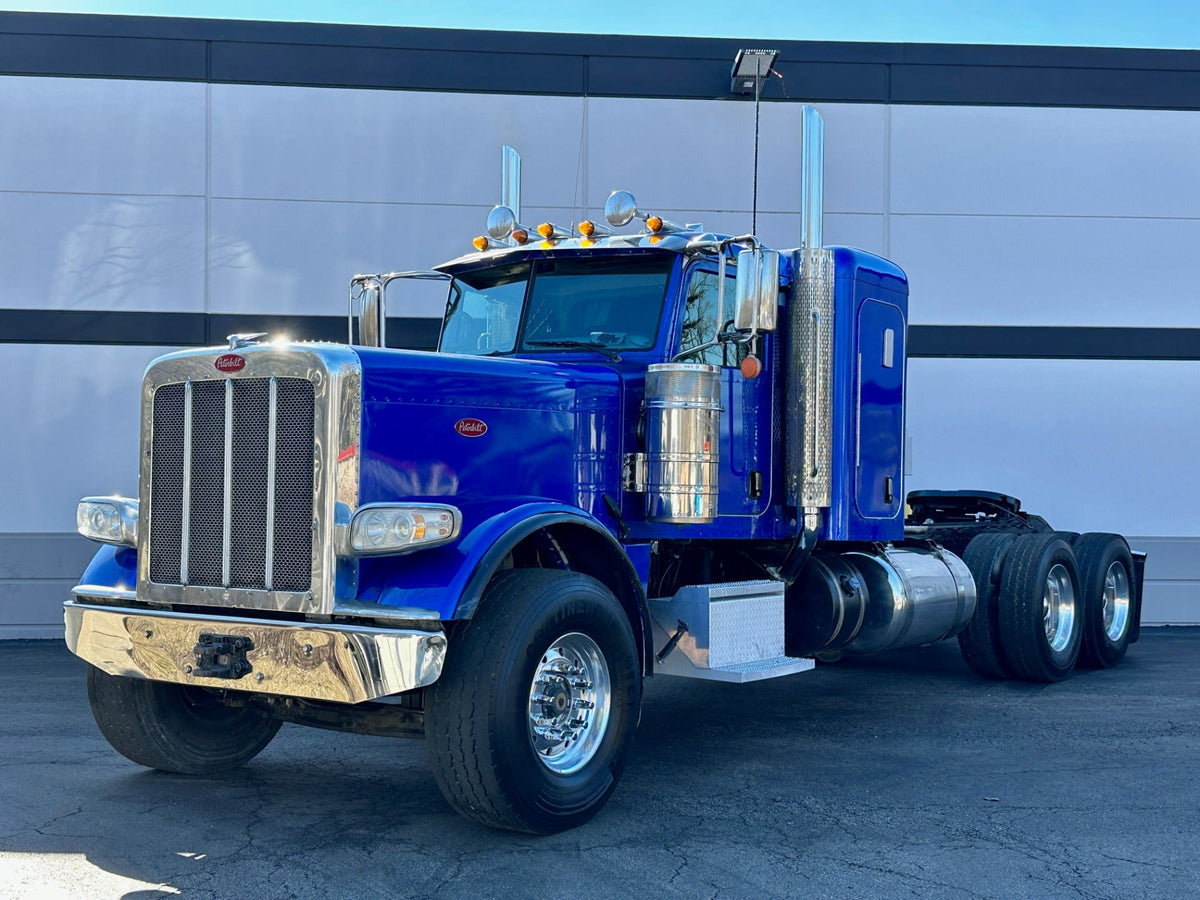
This is for the heavy duty application Cummins
We support the following HD ECM's:
If you have any application questions just shoot us an email and we can let you know which way will be best to tune with
You should only need a limited link since you will only need to flash your tune file once.
This will work a little differently than the normal EZLynk orders.
When you place your order with us and you are ready to connect the ezlynk to the vehicle:
Step 1. Connect the EZlynk to the vehicle via your preferred method (Bench or 9 PIN)
Step 2. Manually link the vehicle to our account: ezlynk@amdp.ca
a. In the notes section when linking, include your AMDP order number
Step 3. No files will automatically populate like the light duty trucks do, this is normal as we have to build the tune per vehicle.
Step 4. Email us at Sales@amdieselperformance.ca, include your order in the subject line. Inform our techs that you have manually linked this order.
Step 5. Within 48 hours a tech will upload your specific tune file for that specific vehicle. You will receive an email or message that your order has been completed at this time.
Step 6. Using the EZLynk, flash the tune profile we have sent you.
Share